How It Works
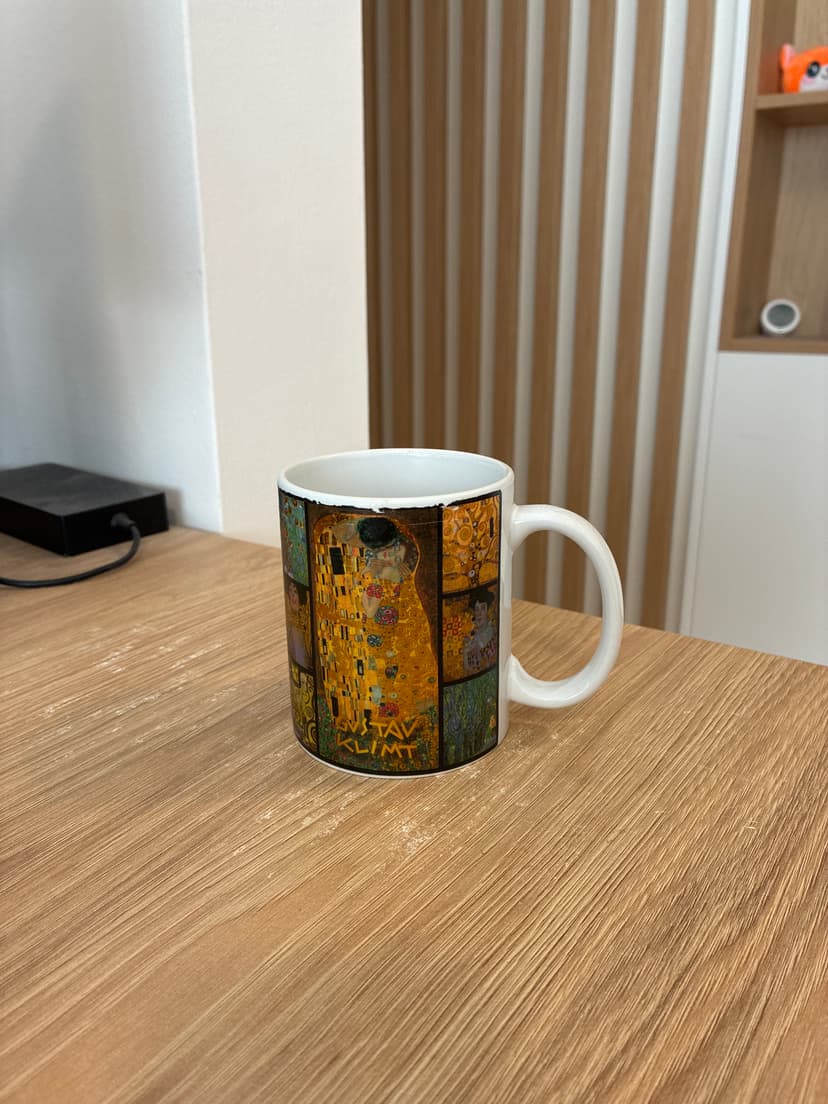
Snap
Take a photo of your product with your phone. Any background, any lighting.
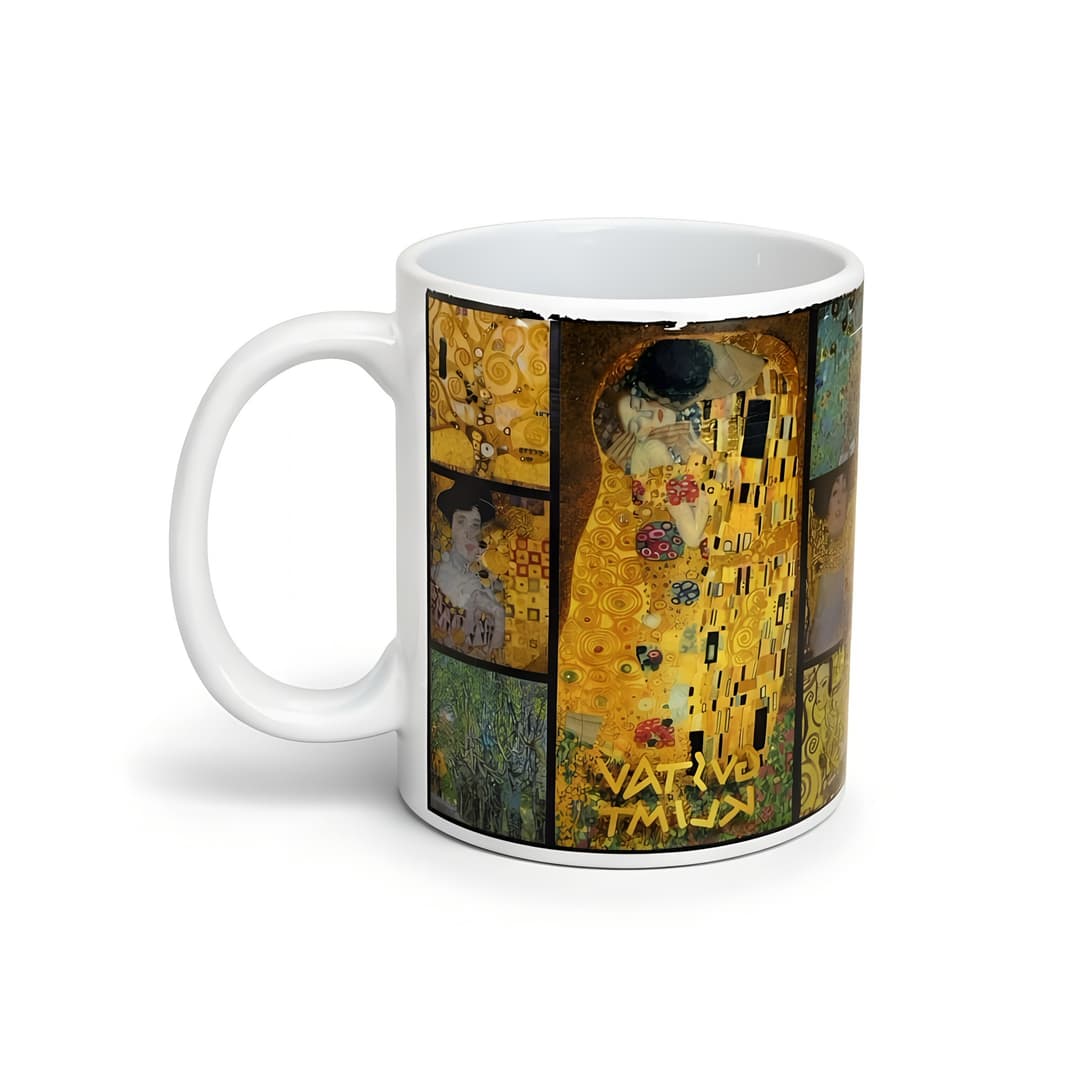
Select
Choose the platform preset and scene background. One tap.
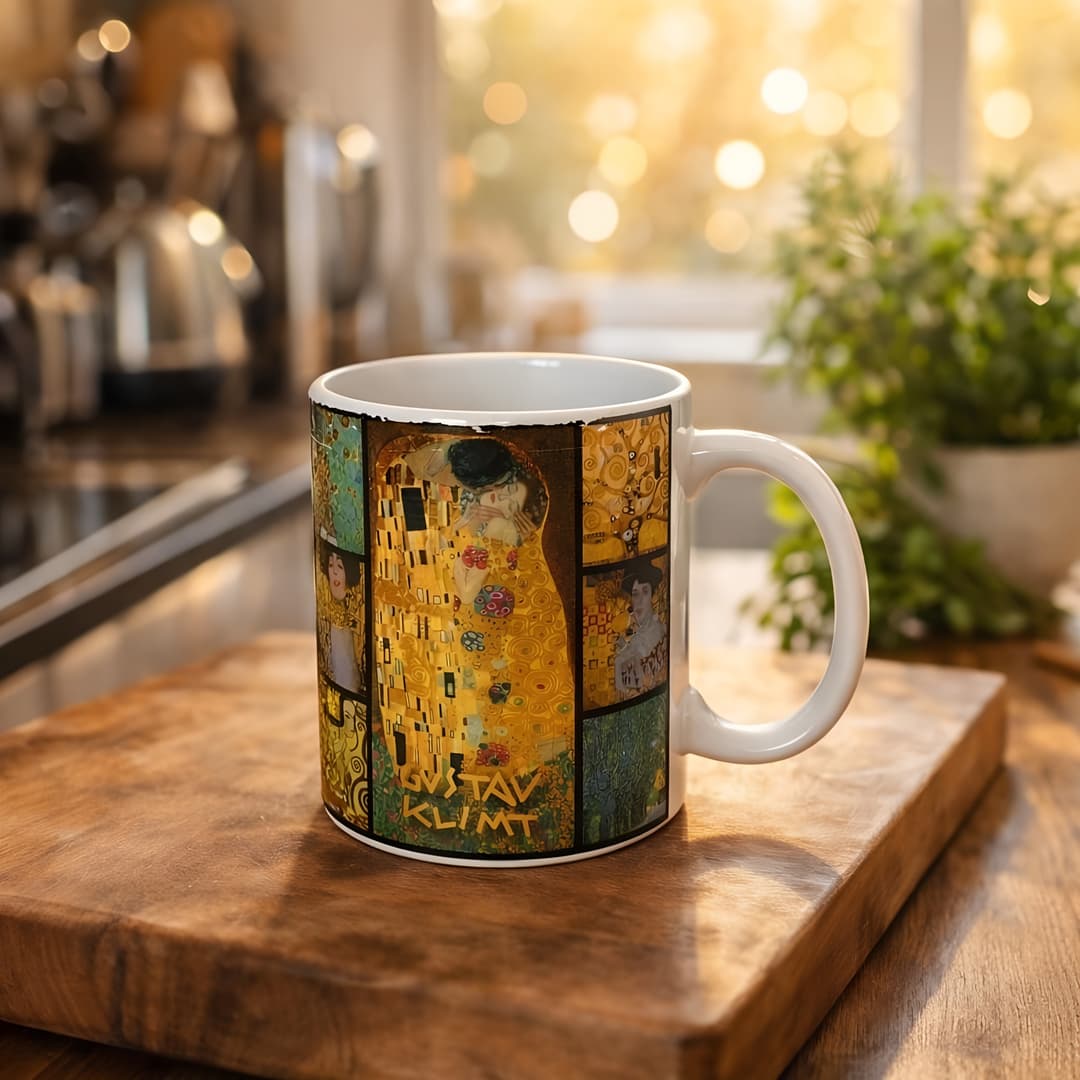
Get
AI generates a store-ready product photo in about 2 minutes.
See the Difference
From a phone photo to store-ready product images. One product, multiple scenes — all generated by AI in about 2 minutes.
All images below are real outputs from the Lumepixa app — not mockups or retouched.
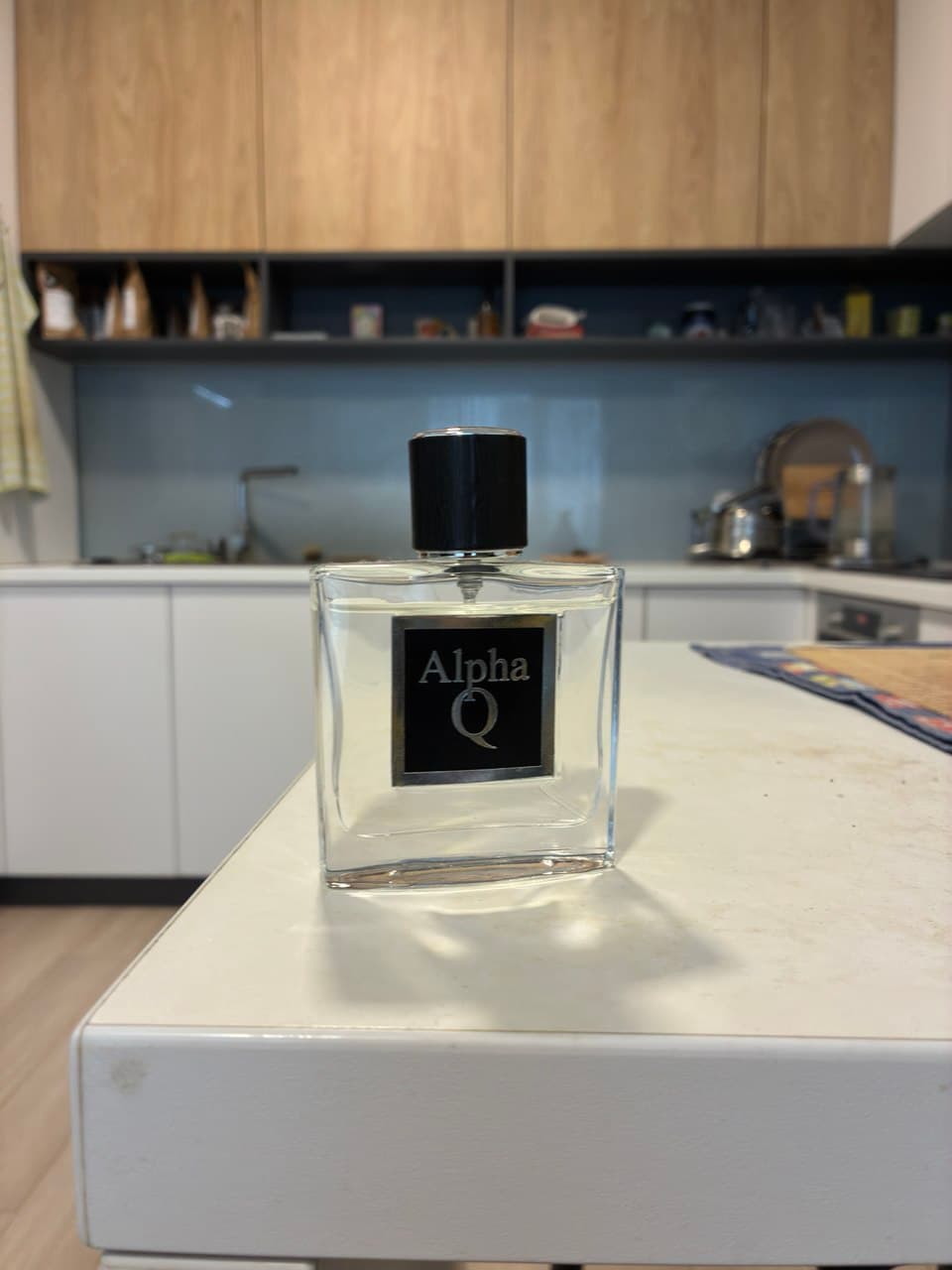
Phone photo
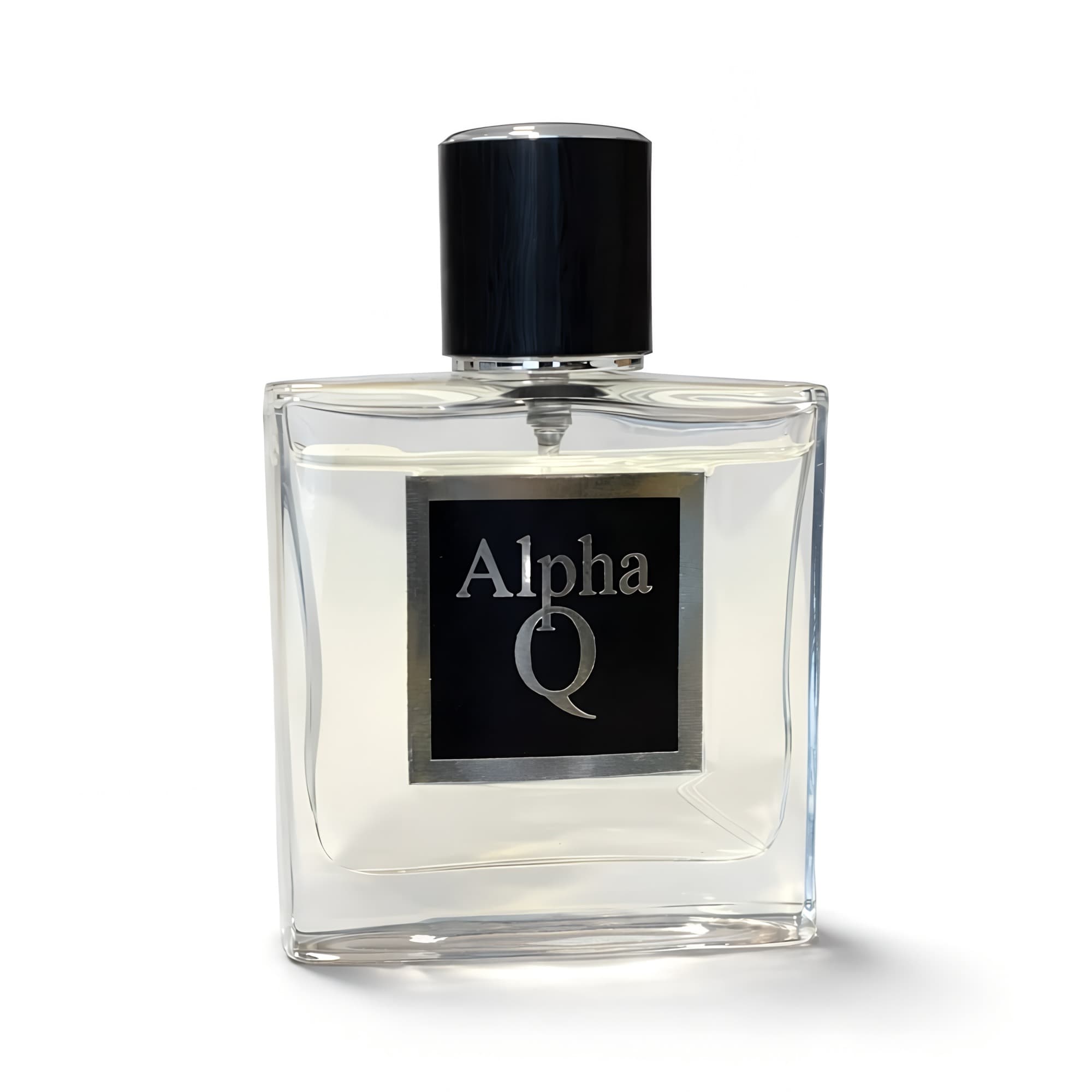
White Background
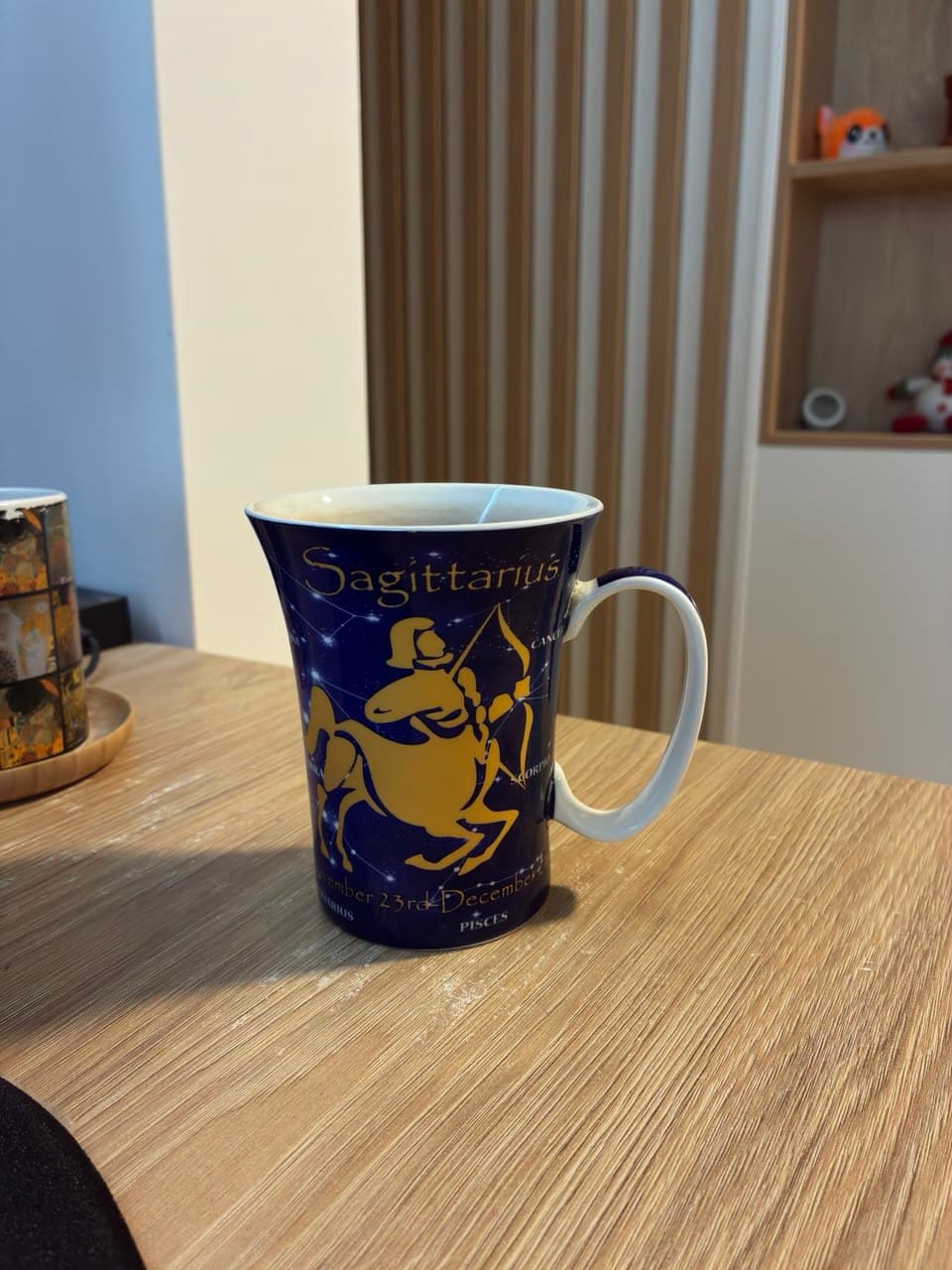
Phone photo
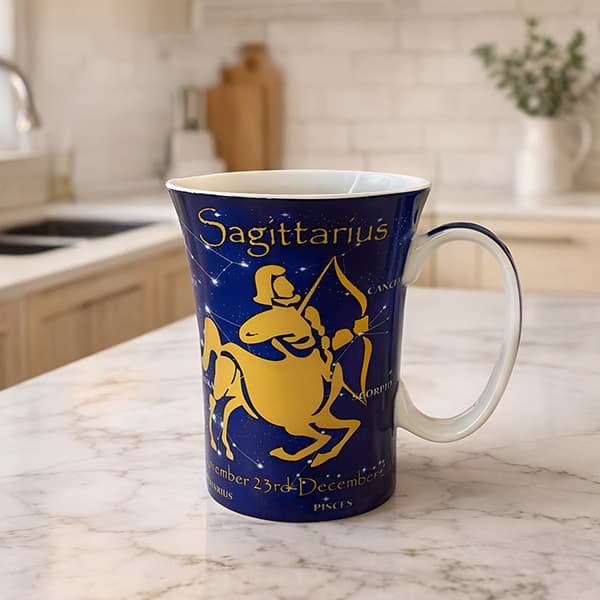
Kitchen Display
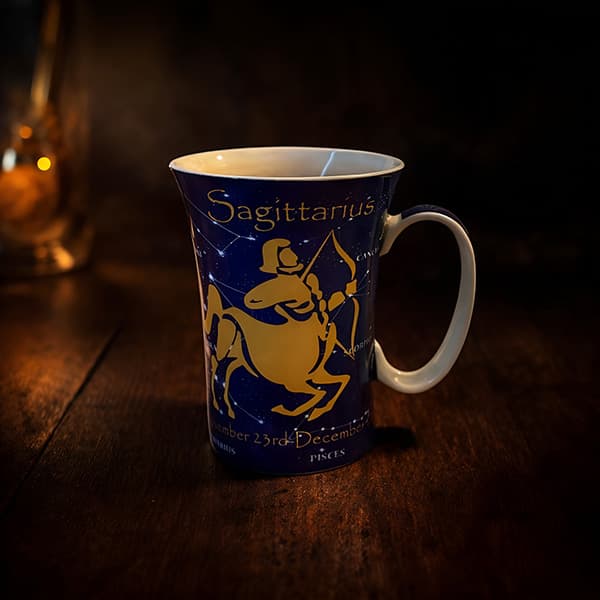
Dark Luxury
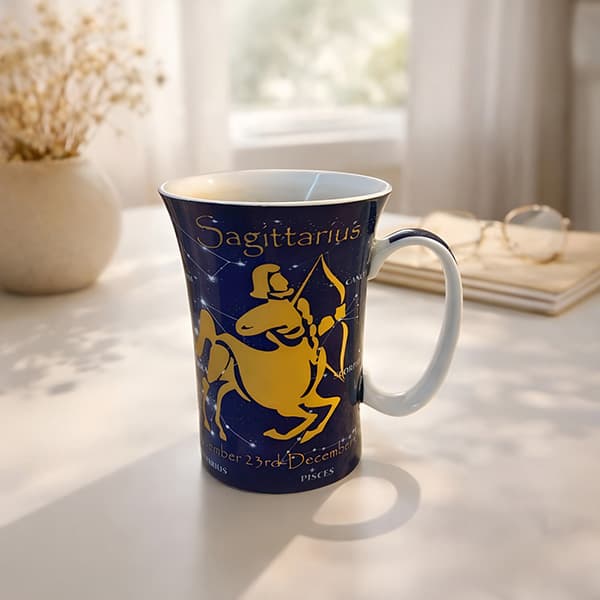
Minimalist Clean
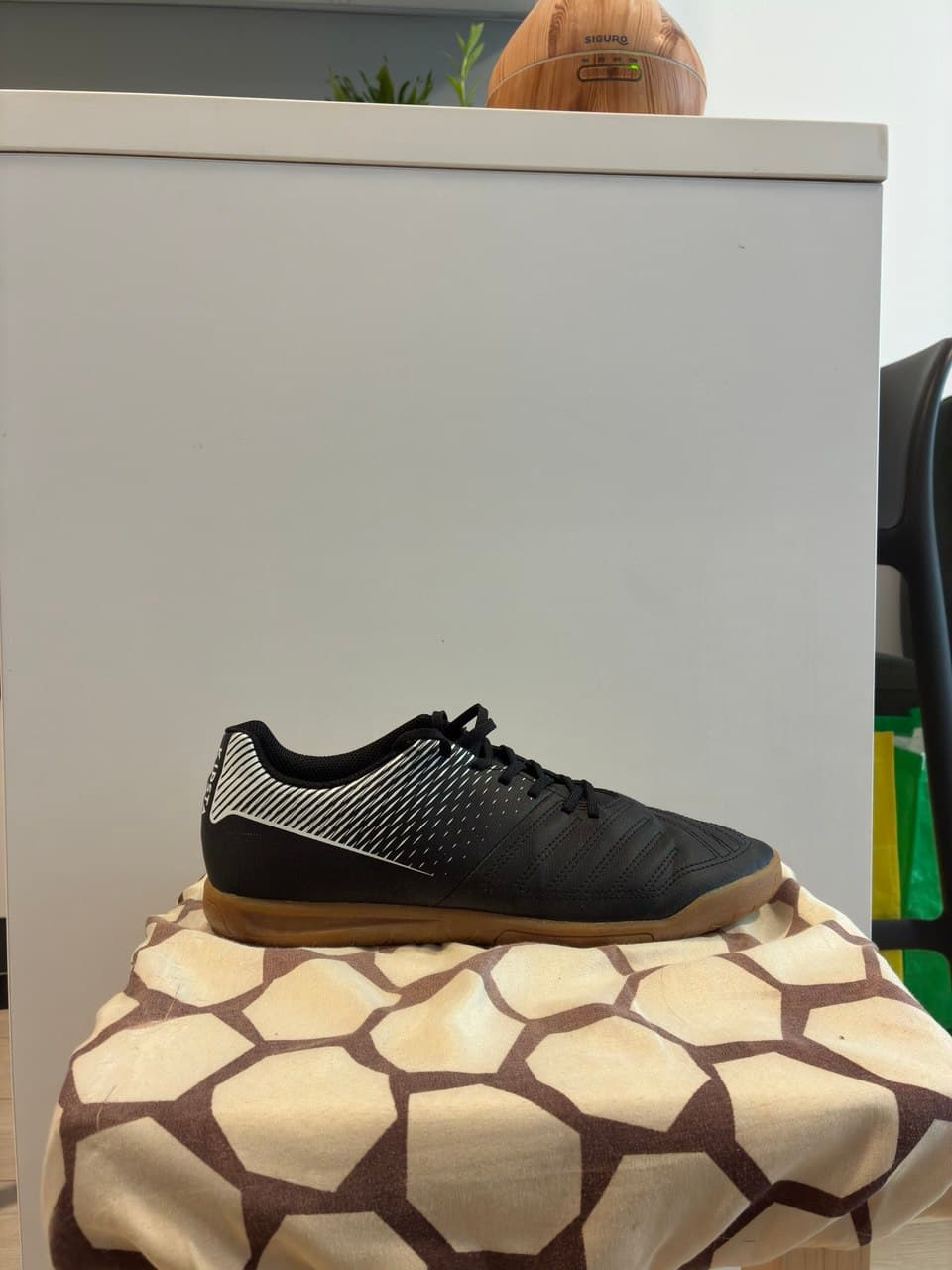
Phone photo
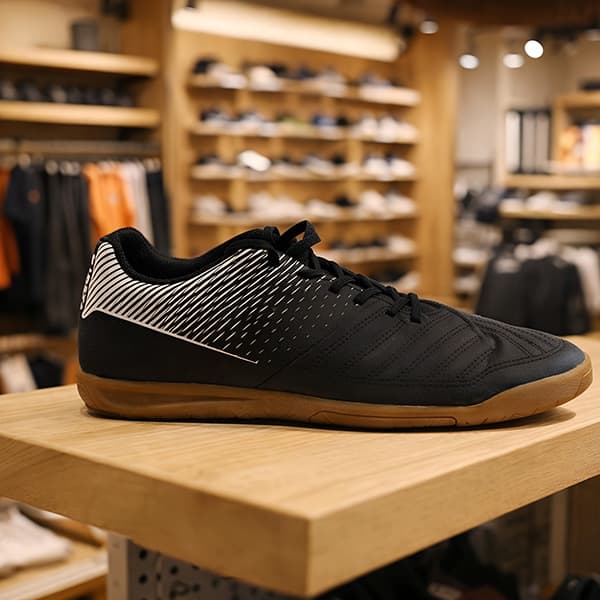
Marketplace Listing
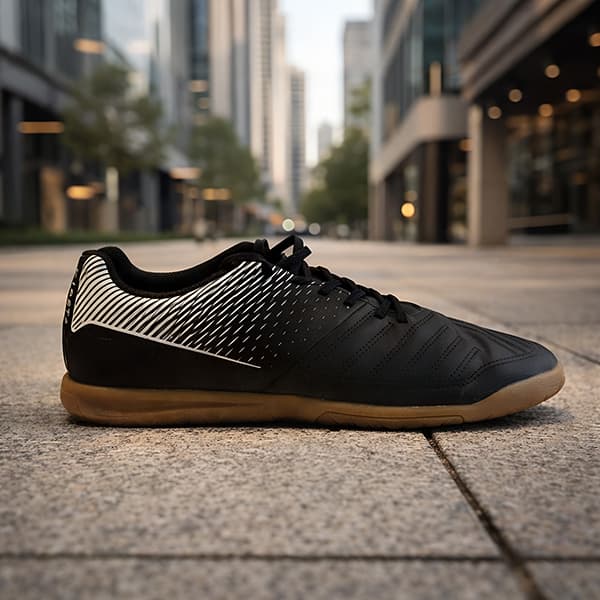
Urban Product
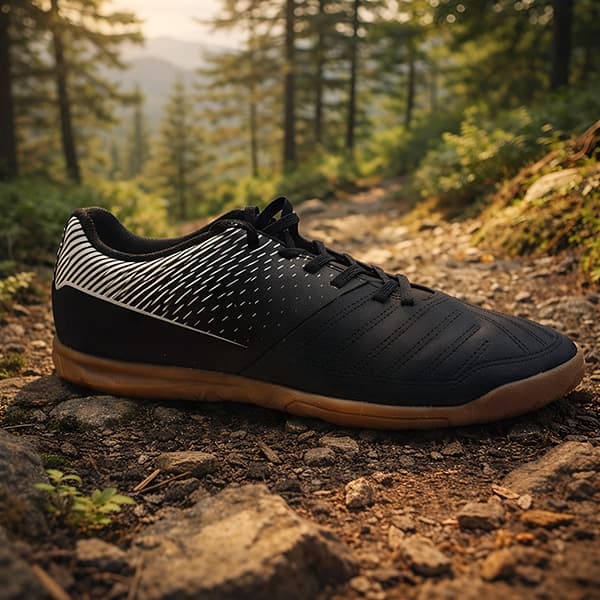
Outdoor Lifestyle
Shopify Image Specifications
| Image Size | 2048 x 2048 px |
| Aspect Ratio | 1:1 (square) |
| Background | Clean neutral |
| Format | JPEG |
| Recommended File Size | <300 KB |
Why Lumepixa for Shopify
Consistent Catalog Look
Every product photo has the same clean, neutral background — making your Shopify store look professional and cohesive.
Optimized File Size
Images are optimized for fast loading, helping your store's page speed and SEO performance.
No Studio Required
Photograph products anywhere with your phone. AI removes backgrounds and creates studio-quality results.
Scale Your Catalog Fast
Add hundreds of products with professional photos in hours instead of weeks.
Shopify Image Requirements
- Square images recommended (1:1)— handled automatically
- At least 2048x2048px for zoom functionality— handled automatically
- Consistent background across products— handled automatically
- JPEG format, optimized size— handled automatically
- High-quality, clear product detail— handled automatically