eBay Product Photography Guide 2026
Everything you need to know about eBay product photography in 2026 — image sizes, the 24-photo limit, multi-angle strategy, and how AI turns phone shots into listing-ready images in about a minute.
Ivan Molčan
Founder of Lumepixa. Building AI tools that help e-commerce sellers skip the studio and turn phone shots into store-ready product photos in about a minute.
eBay Product Image Requirements in 2026
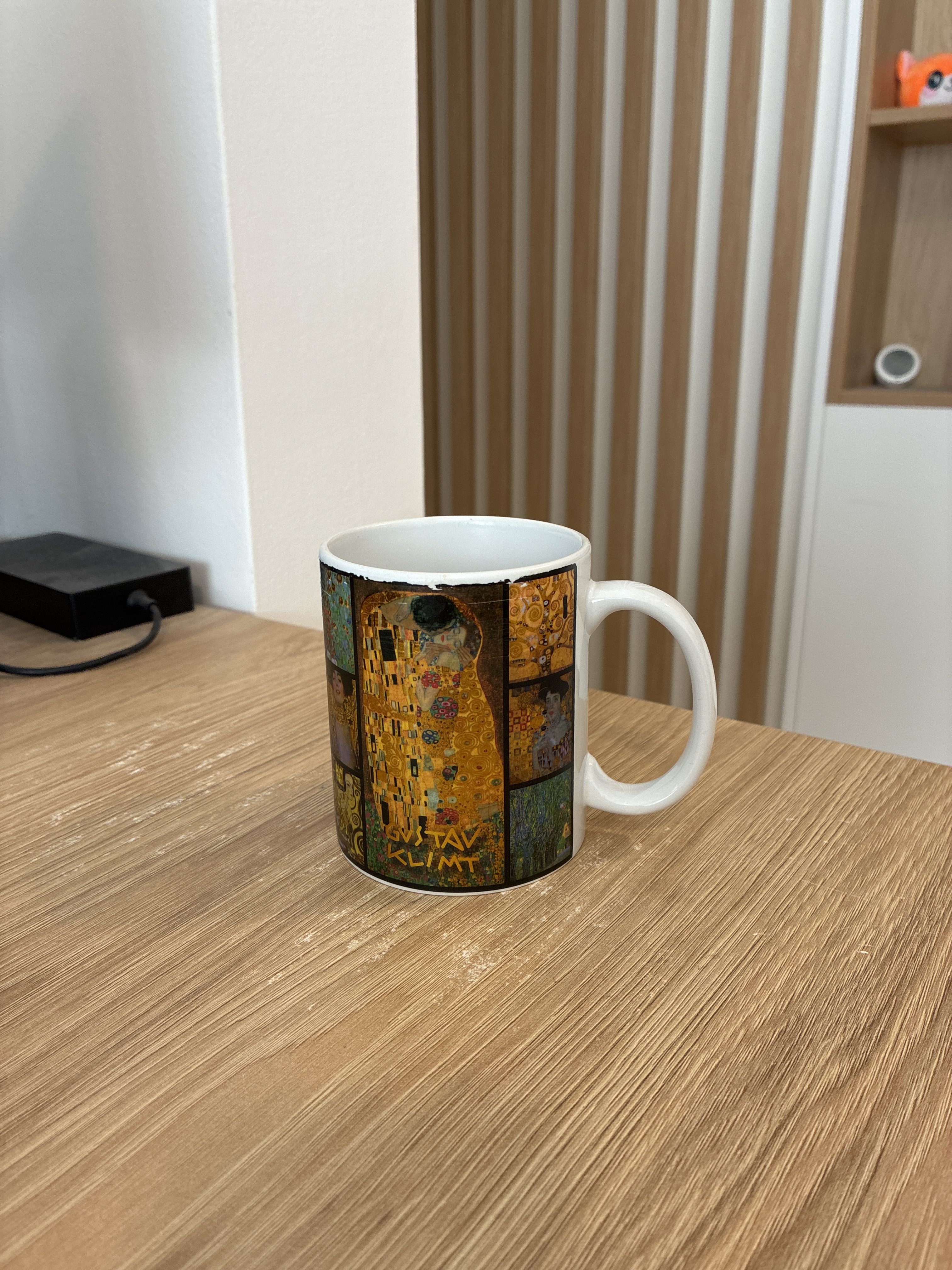
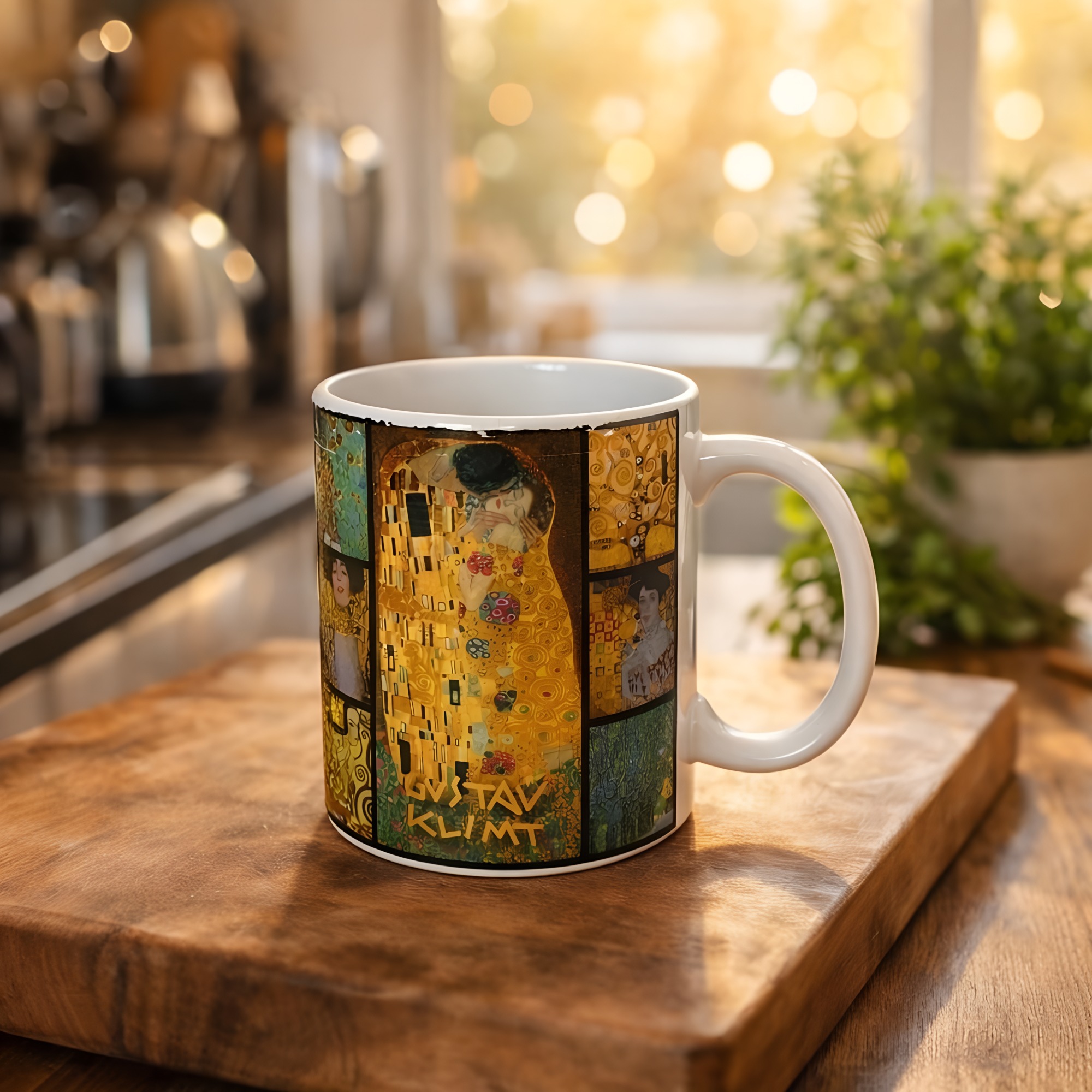
eBay image requirements at a glance (2026):
- Minimum size: 500 pixels on the longest side (required)
- Recommended size: 1600x1600 pixels — unlocks eBay's zoom and enlarge features
- Maximum file size: 12MB per image — the most generous of major marketplaces
- Maximum photos per listing: 24 — more than Amazon, Etsy, or Walmart
- Accepted formats: JPEG, PNG, GIF (non-animated), TIFF, BMP
- Not allowed: watermarks, borders, text overlays, or seller logos on images
- Background flexibility: white, light gray, or lifestyle — depending on product category
eBay has one of the most seller-friendly photo policies among major marketplaces — generous photo counts, flexible backgrounds, and a high file size ceiling. But there are still specific technical requirements every seller must follow, and choosing the right background and angle mix is what separates listings that sell in a day from listings that sit for months. These rules come from eBay's official picture guidelines, which this guide references throughout.
Accepted formats are JPEG, PNG, GIF (non-animated), TIFF, and BMP. The maximum file size per image is generous at 12MB — significantly more than most platforms. Images must depict the actual item for sale, not a stock photo or illustration, with one exception: new-in-box items from major brands may use manufacturer photos.
Compared to Amazon's strict white-background policy and Walmart's listing requirements, eBay is far more flexible. Amazon strictly requires pure white (#FFFFFF) backgrounds for main images; eBay allows white, light gray, or even lifestyle backgrounds depending on the category. For used items especially — where eBay still dominates — buyers expect to see exactly what they are getting, context, wear, and all.
eBay Image Dimensions and File Size
eBay recommends product images at 1600x1600 pixels (square, 1:1 aspect ratio) for the best zoom and enlargement experience. The minimum accepted size is 500 pixels on the longest side, but anything under 800 pixels will not trigger the eBay zoom feature, which is directly tied to conversion rate. Larger images drive more clicks and more sales.
Here is what happens at each size threshold: under 500px, eBay rejects the image outright. Between 500-800px, the image displays but zoom is disabled. At 800-1600px, basic zoom is enabled. At 1600px and above, eBay's full "enlarge" feature is available — buyers can see fine details, textures, and condition clearly. For used items, vintage goods, and anything where condition matters, hitting the 1600px threshold is not optional.
Max file size is 12MB per image, which is more than enough for high-quality JPEGs. In practice, a 1600x1600 JPEG at 85% quality is around 400-800KB — well under the limit. There is no need to aggressively compress photos for eBay; use the file size headroom to preserve detail. Square aspect ratio (1:1) is strongly preferred because eBay's grid layout — especially on mobile, which is now the majority of eBay traffic — crops images to squares in search results. Non-square images get awkwardly cropped, often losing important parts of the product.
For sellers using AI tools, hitting the 1600x1600 target is automatic — the Lumepixa eBay preset generates images at exactly that size, with the product centered in a square frame, ready to upload directly to eBay without further cropping or resizing.
The 24-Photo Advantage: eBay's Biggest Edge Over Other Marketplaces
eBay allows up to 24 photos per listing — more than any other major marketplace. Most eBay sellers leave this advantage on the table by uploading 3-5 photos per listing and wondering why their items sell slower than competitors'.
| Marketplace | Max photos per listing | Main image background |
|---|---|---|
| eBay | 24 | Flexible (white preferred) |
| Amazon | 9 | Pure white (#FFFFFF) required |
| Etsy | 10 | Flexible (lifestyle common) |
| Walmart | 8 | Pure white required |
| Shopify | 5-10 (theme-dependent) | Flexible |
For used items — where eBay still dominates — the 24-photo limit is a direct competitive advantage. Buyers of used goods want to inspect every angle, every scratch, every tag, every serial number. The more photos you include, the fewer questions buyers have to ask, and the faster items sell. Many sellers report noticeably faster sell-through when they fill the available slots rather than uploading the minimum.
Here is a recommended photo sequence for any eBay listing:
- Photo 1: Clean front view (white or light-gray background) — this is the hero shot that appears in search results.
- Photos 2-3: Three-quarter angles (left and right) so buyers can see depth and proportion.
- Photo 4: Side profile.
- Photo 5: Back view.
- Photo 6: Top-down view (especially important for boxed items, books, and flat goods).
- Photos 7-12: Detail close-ups — logos, labels, stitching, material texture, craftsmanship, condition.
- Photos 13-18: Accessories, packaging, documentation, serial numbers, certificates of authenticity.
- Photos 19-24: Scale/size reference (next to a common object), lifestyle context, original price tag if applicable.
Not every listing needs all 24, but treat each unused slot as a lost buyer question. Every photo reduces friction in the purchase decision.
Main Image Best Practices for eBay
The main image is the single most important photo in any eBay listing. It is what shows up in search results, on category pages, and across eBay's mobile app. A weak main image means buyers scroll past your listing before they even see the title or price.
Follow these rules for the main image:
- Clean background. White or very light gray works best for search results. Lifestyle backgrounds are allowed but perform worse in the grid view where listings compete visually.
- Fill the frame. The product should occupy 80-90% of the image. Empty space around the product makes it look small in thumbnails.
- Most recognizable angle. Show the product from the angle buyers would use to identify it in a store — front for boxes, three-quarter for vehicles, top-down for flat items like books or clothing.
- Sharp focus and proper exposure. Blurry or dark photos are the #1 reason buyers skip listings. Use a tripod or stable surface, and shoot in good light.
- No text, logos, or watermarks. eBay may remove listings with overlaid text, and mobile search crops tightly, which means any added text often gets cut off or made unreadable.
- Consistent style across your store. If you sell multiple items, use the same background, lighting, and framing for every main image. A consistent visual style makes your store look professional and trustworthy.
For new items, a white background main image is almost always the right call. For used items, consider what is most recognizable — a vintage camera might benefit from a three-quarter angle on a neutral background; a used dress might be better shown on a hanger or mannequin to show cut and drape. Match the angle to buyer intent. Our guide to taking product photos with your phone covers lighting and angles in depth.
If you want to skip the manual work entirely, Lumepixa for eBay sellers handles the white background, 1600x1600 sizing, and product centering automatically from a single phone shot — no cropping, no resizing, no editing software required.
Lifestyle vs White Background: When to Use Each on eBay
Unlike Amazon or Walmart, eBay does not require white backgrounds for main images. This gives sellers significantly more creative room — but also means you have to make the right call for each category. Here is how to decide.
Use white or light-gray backgrounds when: selling new products, especially consumer electronics, small appliances, tools, toys, books, and anything where a clean retail presentation signals newness and professionalism. White backgrounds also make your listing thumbnails "pop" in search results because they contrast with eBay's gray UI. Buyers comparing 20 listings at a glance gravitate toward clean, easy-to-read thumbnails.
Use lifestyle or context backgrounds when: selling vintage clothing on a mannequin or hanger, antiques in-room for scale and atmosphere, handmade or artisan goods where craftsmanship needs context (similar to Etsy photography style), jewelry on a soft cloth or model to show scale, automotive parts in situ to prove fitment, or large furniture in a staged room.
The hybrid approach most top sellers use: main image (photo 1) on a clean white/light-gray background for maximum search conversion, then photos 2-24 in a mix of detail shots, angles, and contextual lifestyle images. This is the best of both worlds — the search thumbnail is clean and professional, but buyers who click through get rich detail and context.
The background decision is much less important when you use AI product photography tools. With Lumepixa, you can snap a single phone photo of the product on any surface and generate multiple versions: white background main image for the search thumbnail, and lifestyle scenes for the rest of the listing. One photo, different backgrounds, all sized to 1600x1600 — ready to upload.
Common eBay Product Photography Mistakes
These are the mistakes we see most often from eBay sellers — especially ones just starting out or scaling from a few listings to a large catalog. Avoiding all of them will put your listings ahead of most of your competition.
- Uploading only 1-3 photos. You paid nothing extra for 24 photo slots — use them. Listings with 10+ photos consistently sell faster than listings with fewer.
- Using stock photos for used items. eBay prohibits stock photos for used goods, and buyers distrust sellers who do it. Take actual photos of your actual item. This is one of the few absolute rules on eBay.
- Under 500px resolution. eBay rejects images below 500px on the longest side. Always shoot at maximum phone resolution and upload full size — do not downsample before uploading.
- Adding watermarks or seller logos. eBay's automated systems often detect and flag watermarked images. Even if they do not, buyers perceive watermarks as amateurish and distrustful.
- Using the phone flash. The built-in phone flash creates harsh shadows, hot spots on glossy surfaces, and unnatural color casts. Always turn the flash off and shoot in indirect daylight or LED lamps.
- Inconsistent backgrounds across a listing. Do not mix a white-background main image with random desktop-clutter photos for details. Keep the style consistent — clean backgrounds throughout, or a deliberate main-white plus lifestyle-context mix.
- Forgetting bottom, back, and tag shots on clothing. Buyers specifically want to see brand tags, size tags, and any stitching or logos that authenticate the item. Missing these photos leads to more questions and slower sales — especially on branded or designer goods.
- Blurry detail shots. Zoomed-in phone photos often come out soft because the phone switches to digital zoom. Step physically closer rather than pinch-zooming, and lock focus by tap-and-hold before shooting.
- Shooting at an angle, then cropping. If your main image is shot crooked, cropping afterwards wastes resolution. Take the time to compose straight in-camera so the full frame is usable.
From Phone Photo to eBay-Ready Listing: The AI Workflow
A note from Ivan, Lumepixa's founder: This is the exact workflow I recommend to eBay sellers who want to produce professional listing photos without a studio, a photographer, or expensive editing software. You need a phone, decent lighting, and an AI product photography tool. Nothing else.
Step 1: Take one good phone photo of each product. Any surface, any background. A kitchen counter, a desk, a piece of paper — it does not matter. Use natural window light when possible, turn off the flash, and use the main (1x) lens at maximum resolution. Focus on the product by tapping and holding to lock focus and exposure. Fill 80-90% of the frame. For detail shots, physically move closer rather than zooming. See our phone photography guide for lighting tips.
Step 2: Open Lumepixa and select the eBay preset. The app processes the image in about a minute — it detects your product, removes the background, generates a clean scene at 1600x1600 pixels, and upscales the final image to match eBay's preferred size. Behind the scenes, AI background removal and scene generation handle what used to require Photoshop and an hour per image.
Step 3: Repeat for each of your 24 listing slots — main image on white background, then lifestyle scenes, detail crops, and alternative angles. With a phone photo per product and Lumepixa, you can produce a full 24-photo eBay listing in 15-20 minutes. Compare that to a traditional studio session for the same listing, which runs 2-4 hours and costs $100-300 per item. See our AI vs professional cost comparison for the full breakdown.
Step 4: Upload to eBay. Because every image is already sized correctly, named consistently, and formatted at high quality, there is zero additional prep work. Drag, drop, done. For a deeper look at how AI is reshaping the category, see how AI is changing e-commerce photography. If you cross-post to TikTok Shop, our TikTok Shop product photography guide covers the mobile-first differences you need to account for.
Lumepixa's eBay preset is configured for exactly what this guide recommends: 1600x1600 square output, clean white or light-gray backgrounds, product centered at 80-90% frame fill, and JPEG format ready to upload. The first 3 credits are free when you sign up — no credit card needed to try it with your own products.
If you list on multiple platforms — as most serious sellers do — one phone photo turns into sized, formatted images for every marketplace automatically. Lumepixa also supports Amazon, Shopify, Etsy, Walmart, TikTok Shop, and Instagram Shopping. No subscription — see credit pack pricing for one-time purchase options.
Frequently Asked Questions
What is the minimum image size for eBay listings?
Does eBay require a white background?
How many photos can I upload to an eBay listing?
What image formats does eBay accept?
Can I use phone photos for eBay listings?
What is the best main image for an eBay listing?
Try Lumepixa Free
Download Lumepixa and get 3 credits to try with your own products. No subscription.
More from the Blog
AI vs Professional Product Photography: Cost Comparison
Professional product photography costs $20-50+ per image. AI tools like Lumepixa can produce comparable results for a fraction of the price. Here is a detailed cost breakdown.
Amazon Product Photography Guide 2026
Everything you need to know about Amazon product photography in 2026 — image requirements, best practices, and how AI tools make it easier than ever.
How AI Is Changing E-Commerce Product Photography
AI product photography is transforming e-commerce. Automatic background removal, scene generation, and platform optimization are making professional product photos accessible to every seller.
Product Photo Background Removal: Complete Guide
Background removal is the most important step in product photography. Learn when you need a white background, when lifestyle scenes work better, and how AI tools handle it automatically.
Etsy Product Photography Guide 2026
Etsy buyers expect warm, artisan-style product photos — not sterile white backgrounds. Learn the image sizes, styling tips, and tools that help your listings stand out.
Shopify Product Photography: Requirements & Best Practices
Shopify gives you full control over your product images — but that flexibility means the quality is entirely on you. Learn the recommended sizes, optimization tips, and how to create store-ready photos.
How to Take Product Photos with Your Phone
You do not need a studio or a DSLR to sell online. Here is how to take product photos with your phone at home — plus how AI turns those shots into store-ready images in about a minute.
TikTok Shop Product Photography Guide 2026
Everything you need to know about TikTok Shop product photography in 2026 — image sizes, white background rules, mobile-first composition, and how AI turns a phone shot into a listing-ready image in about a minute.
Walmart Product Photography Guide 2026
Everything you need to know about Walmart Marketplace product photography in 2026 — the 2200x2200 white-background rule, the Listing Quality Score, the 8-photo strategy, and how AI turns one phone shot into a Walmart-ready image in about a minute.
AI Product Photography Statistics 2026: What Every E-Commerce Seller Needs to Know
A comprehensive, data-backed look at AI product photography in 2026. 40+ statistics covering market size, seller adoption, cost savings, conversion rates, consumer behavior, and platform requirements — all with original sources.
E-Commerce Product Image Statistics 2026: How Photos Impact Sales
How do product images affect e-commerce sales? 35+ verified statistics covering conversion rates, return rates, mobile shopping behavior, image quantity, quality benchmarks, and platform requirements — all with original sources.
Amazon Seller Statistics 2026: Costs, Competition & Growth
9.7 million sellers, $700 billion revenue, 58% profitable in year one. 25+ verified Amazon seller statistics for 2026.